Common ways to use Excel for bookkeeping
Excel won't replace a dedicated accounting software, but it can still play a role in certain accounting functions. Below are a few of the most common ways small business owners put it to work.
Tracking income and expenses
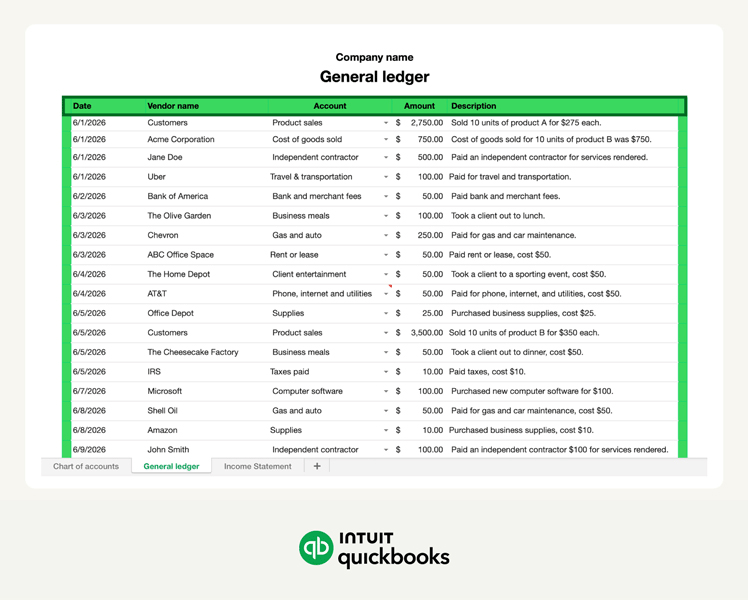
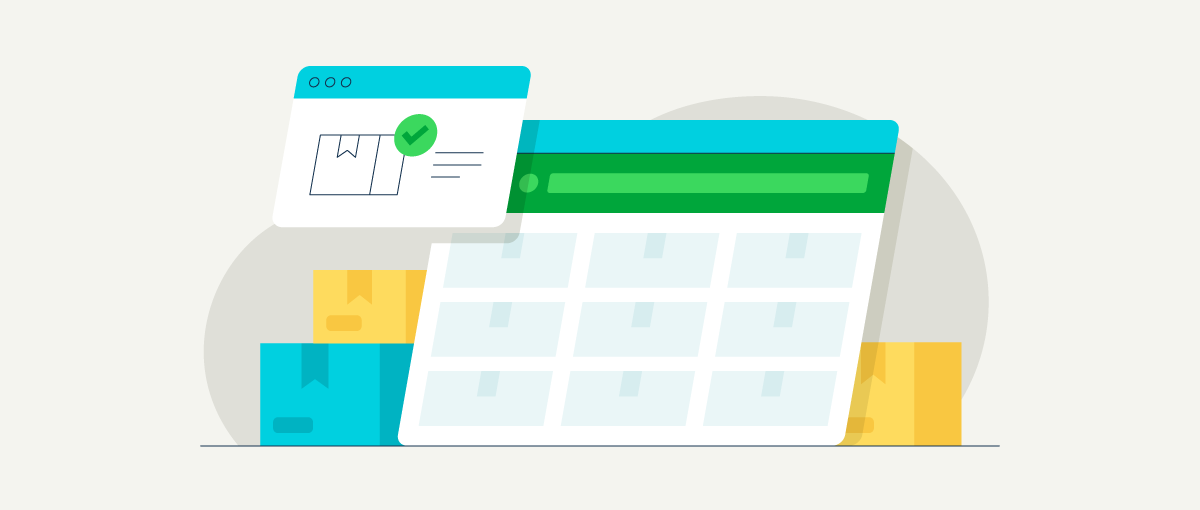
At its most basic, Excel gives you a place to record every dollar coming in and going out. You can set up a simple spreadsheet with columns for the date, description, amount, and category, then use formulas to calculate totals and running balances.
It's not automated, but for a small business owner or freelancer with a manageable number of transactions each month, it can be a practical way to stay organized.
Example: A freelance graphic designer might log a $500 client payment alongside a $30 stock photo subscription expense, giving them a clear, line-by-line record of every dollar moving through their business.
Organizing transactions by category
Once you're recording transactions consistently, categorizing them is what makes the data useful.
Grouping expenses by type, such as rent, supplies, software, or contractor payments, lets you see where your money is going and helps make tax time smoother. You can do this by assigning a category to each transaction, then sorting or filtering your data as needed.
Example: A consultant who categorizes their monthly spending might realize that 30% of their revenue is going toward recurring software subscriptions, prompting them to audit which tools are truly essential.
Creating financial reports
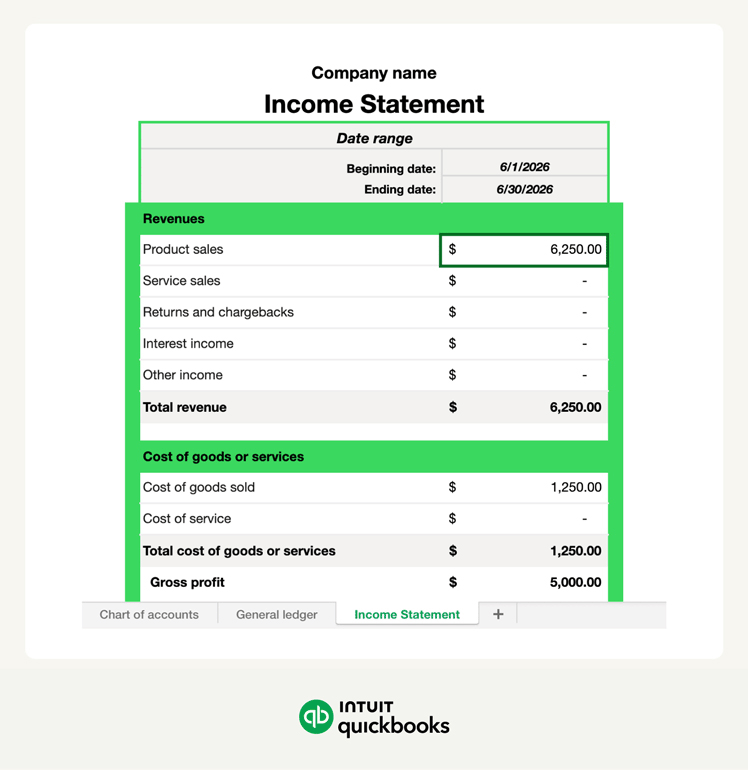
The most common report small business owners build in Excel is the income statement, which summarizes revenue and expenses over a given period to show whether the business is profitable. A balance sheet and cash flow statement are possible, but they're harder to build accurately and more difficult to maintain as transaction volume grows.
Example: A freelance photographer wrapping up a quarter can pull their income and expense totals from their transaction log and drop them into a simple income statement template to see whether they turned a profit.
Monitoring cash flow
A simple cash flow tracker in Excel shows your opening balance, incoming payments, outgoing expenses, and closing balance for any given period. If you're watching your margins closely, that running picture of available cash can be more useful day-to-day than a formal financial report.
Example: A contractor uses a cash flow tracker to ensure they have enough liquidity to pay for lumber upfront on a new project while waiting for a $5,000 invoice from a previous client to clear.